
Windows software for MikroTik RouterOS
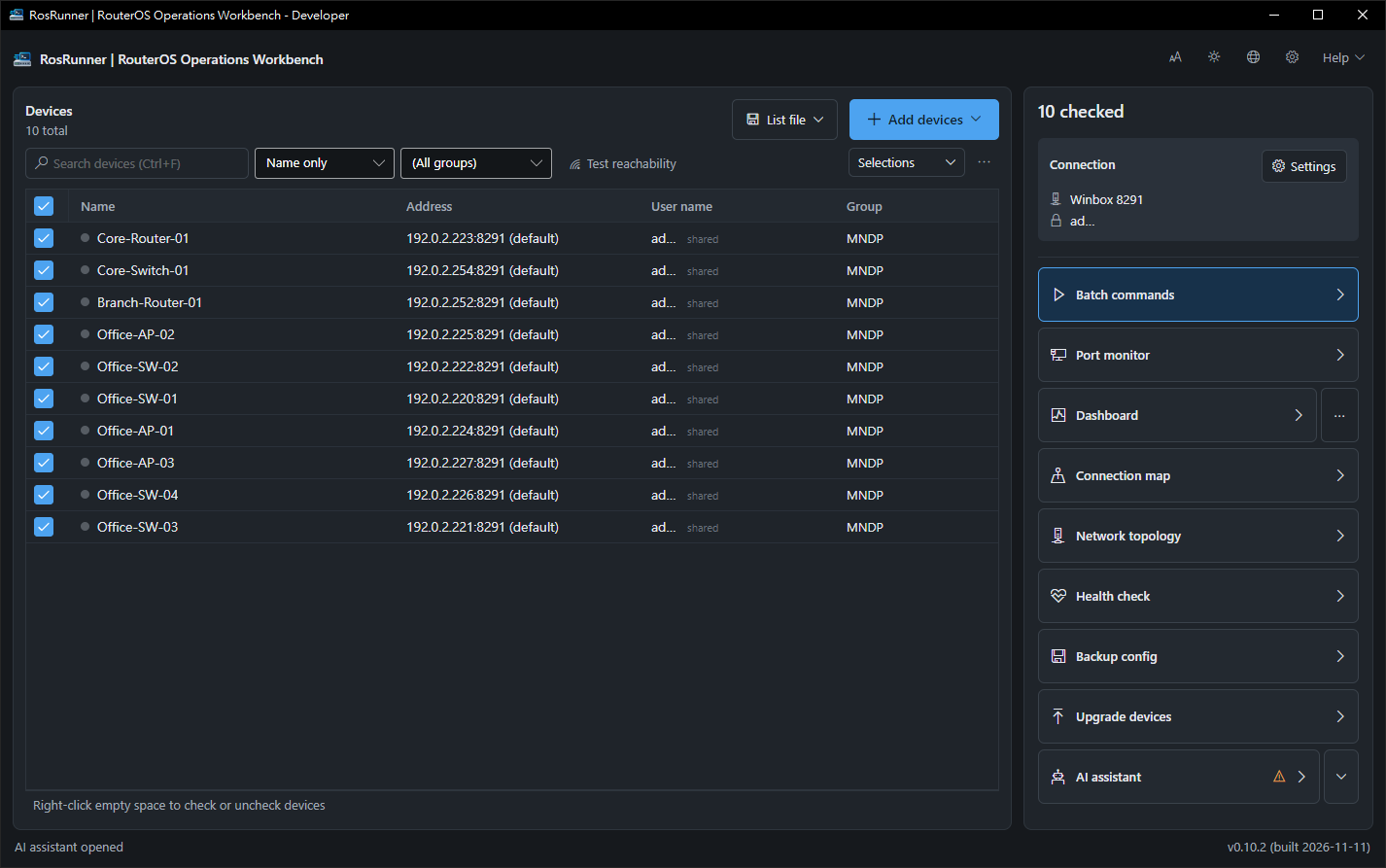
Many MikroTik devices. One place.
Run commands, watch status, back up and upgrade — without logging in to each device one by one.
Commercial software with a free edition for 3 devices. Not yet available to download — contact [email protected].
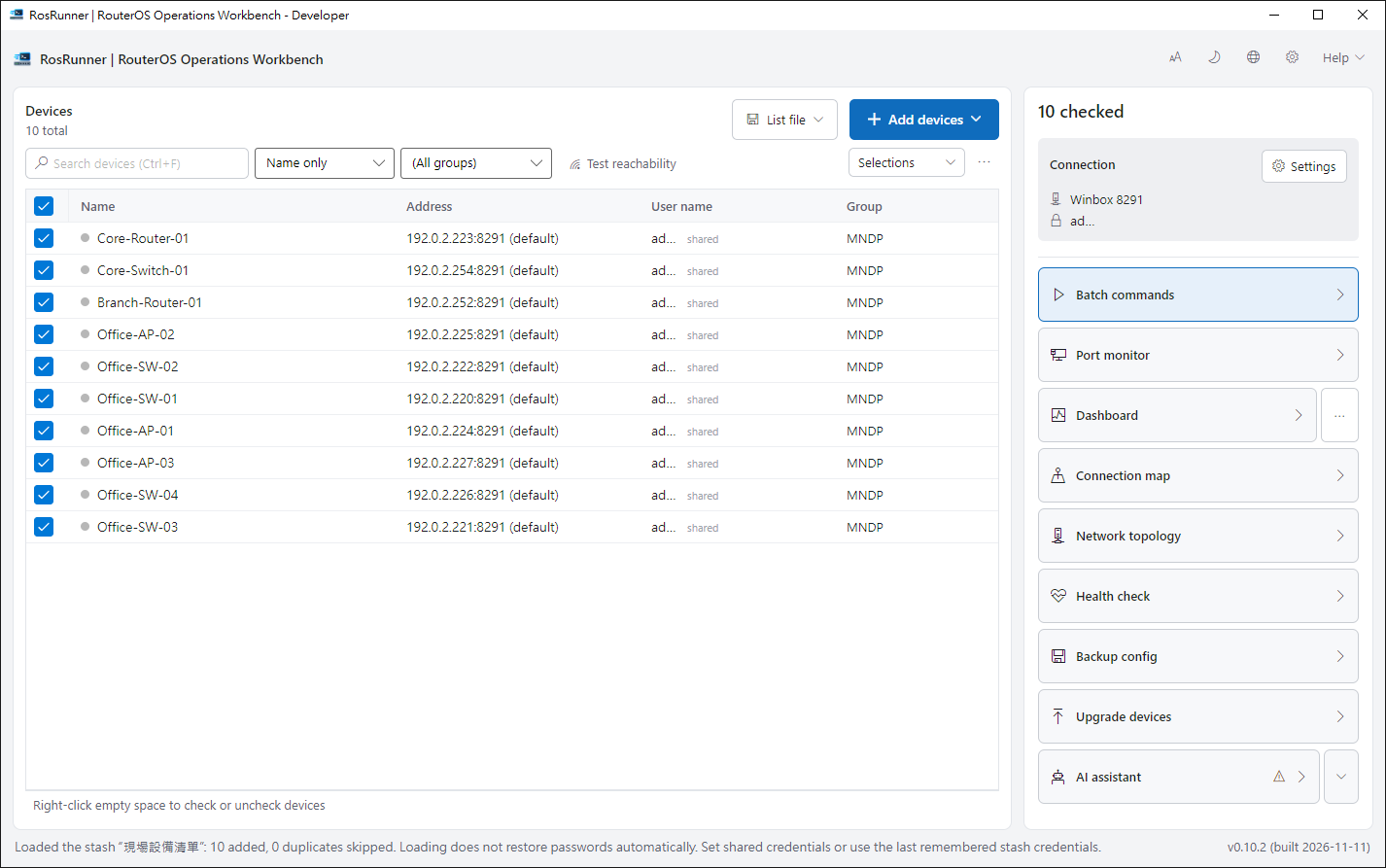
Keep your WinBox list
Import it and start right away.
Nothing to install on devices
Any device WinBox can reach, RosRunner can too.
Confirm before changes
Anything that changes a device asks you first.
Your data stays with you
No cloud account or server needed.

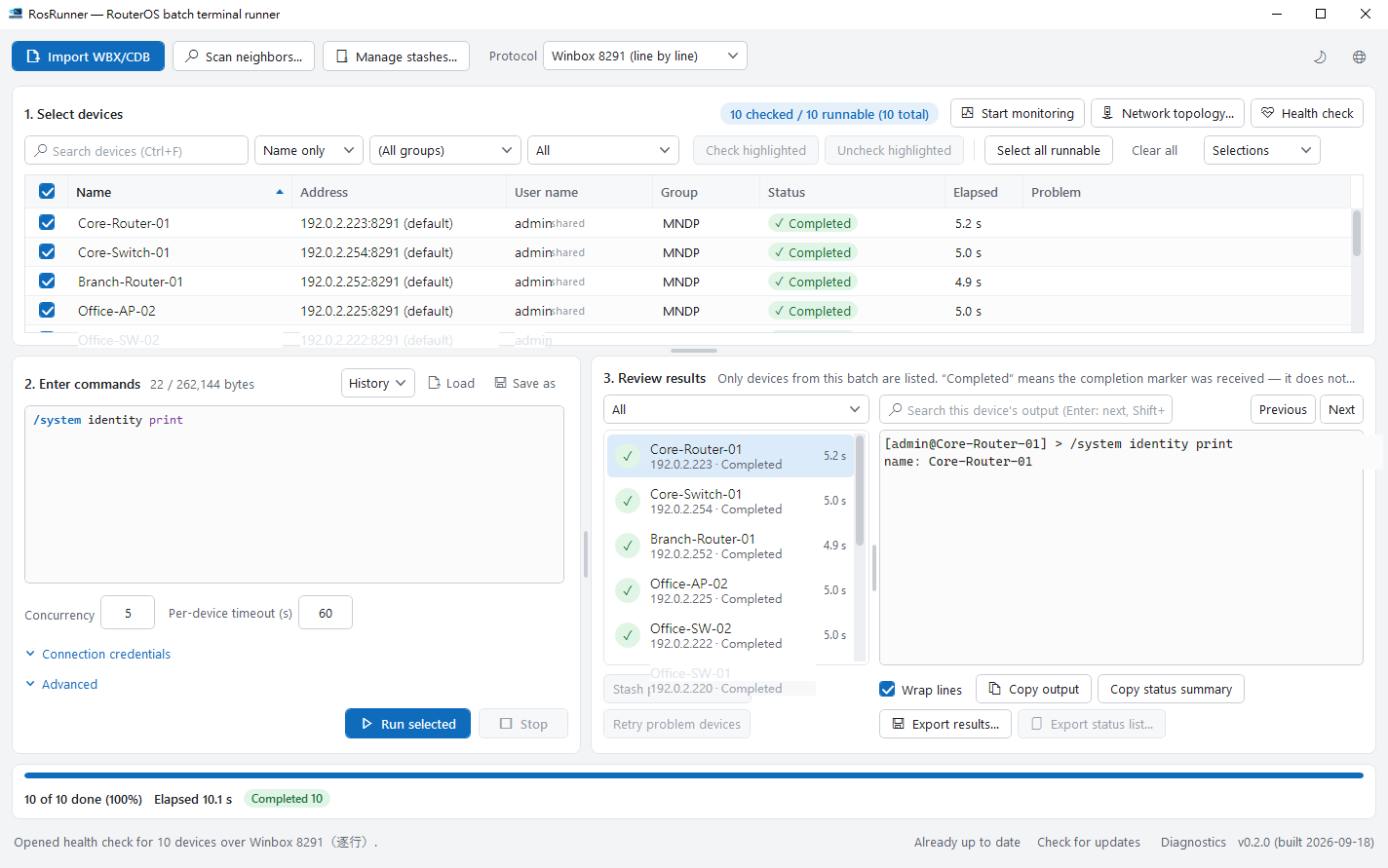
Write once. See every result.
Send one script to many devices and see at a glance what worked.
- Try it on one device first, then release the rest.
- Retry only the devices that had trouble.

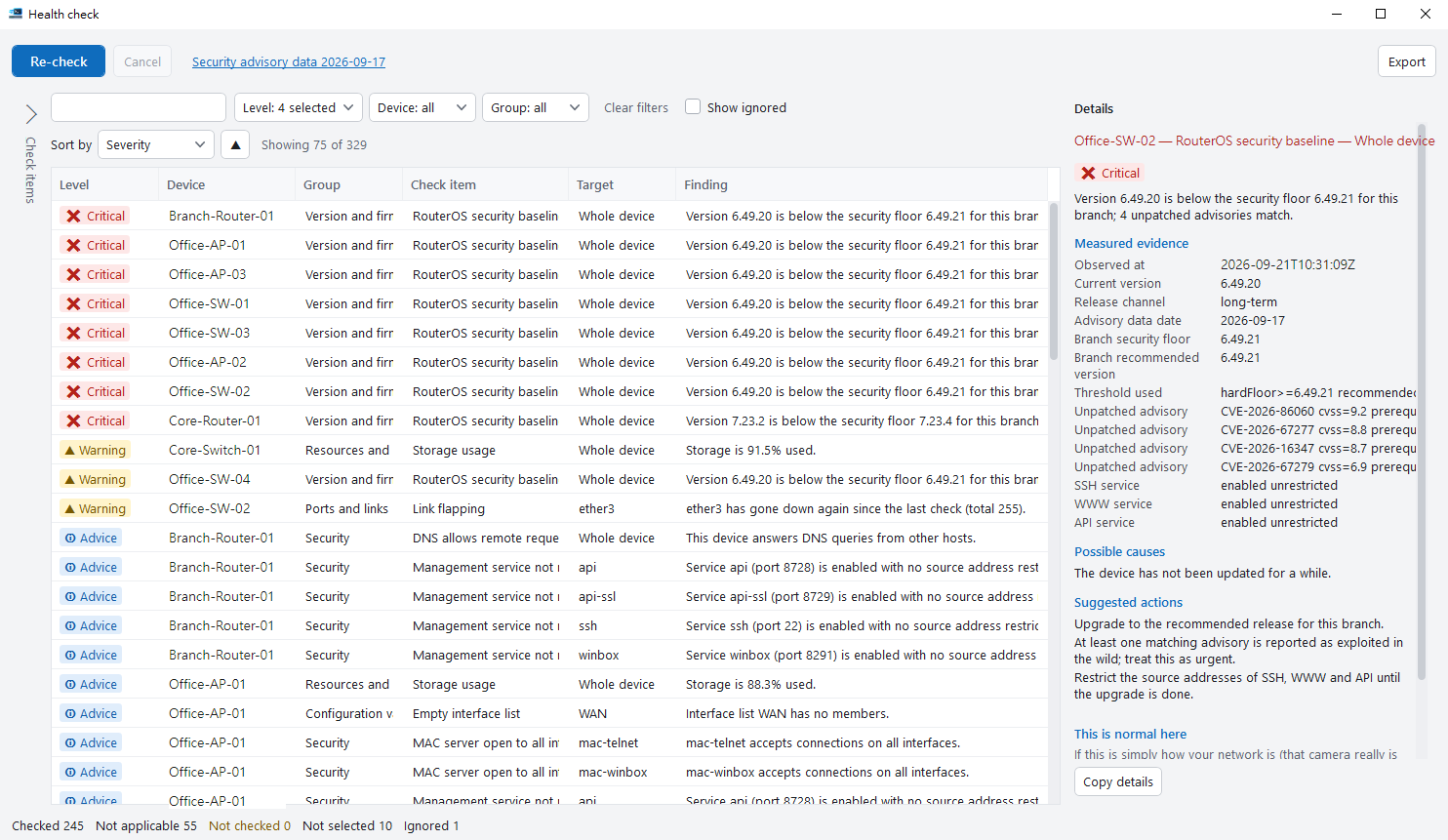
Fix what matters first
One click checks your devices; each finding comes with the reason and a suggestion.
- Read-only — nothing is changed.
- Export a report for your client or manager.
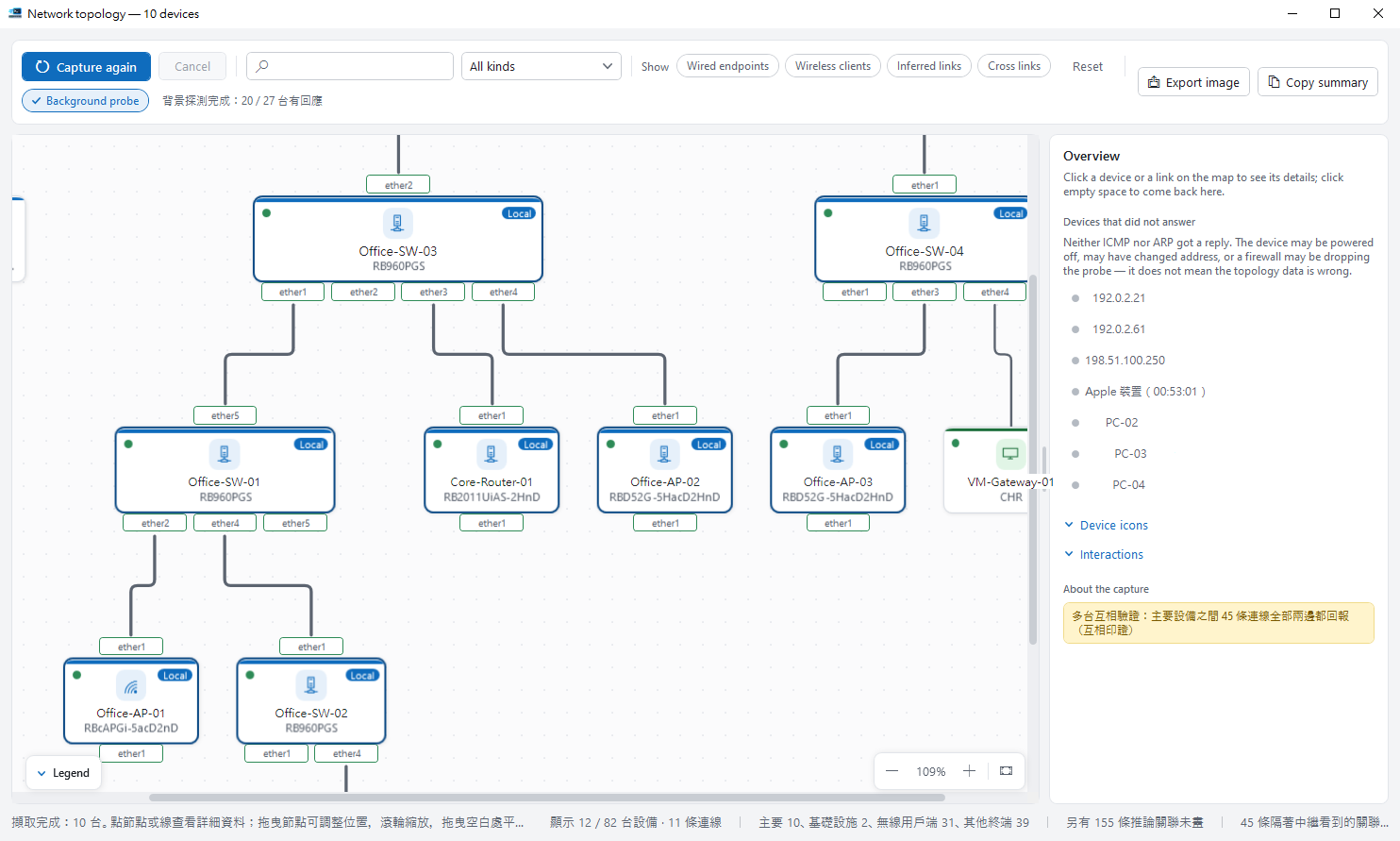
Your network, drawn for you
RosRunner maps how devices connect — handy when you take over an unfamiliar network.
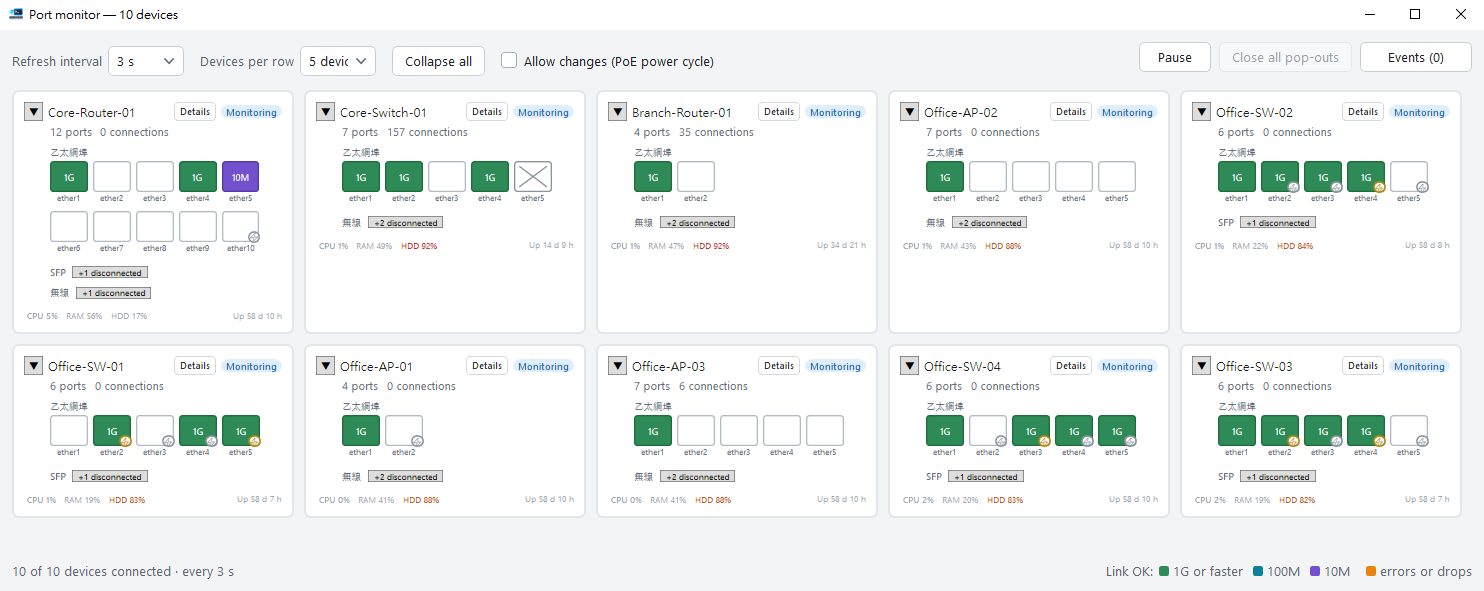
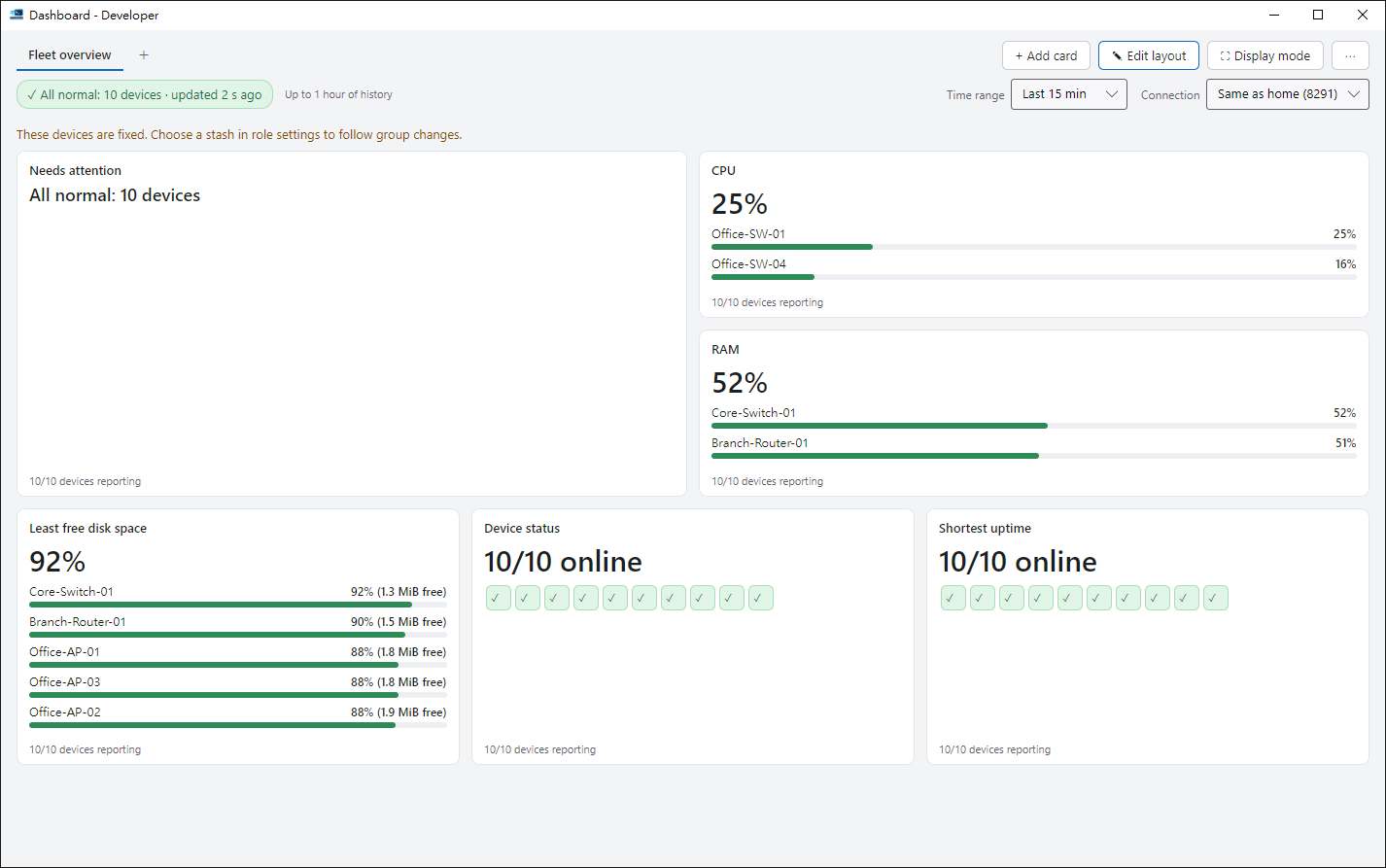
One board for the whole fleet
CPU, traffic and temperature in one place — problems stand out, even on a wall screen.
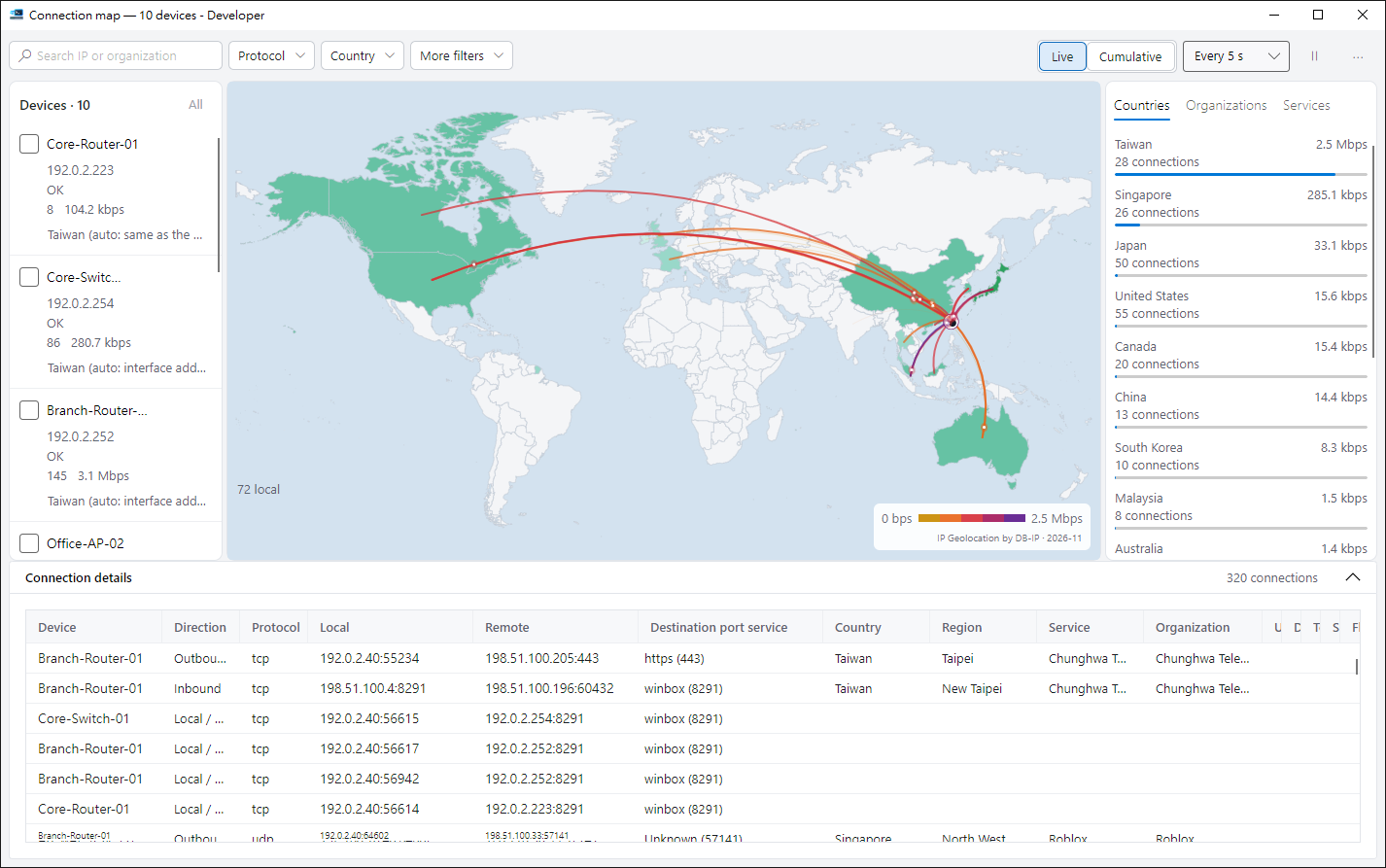
See where traffic goes
Your connections on a world map: which countries, and how much.
- Locations are looked up on your PC; addresses never leave it.
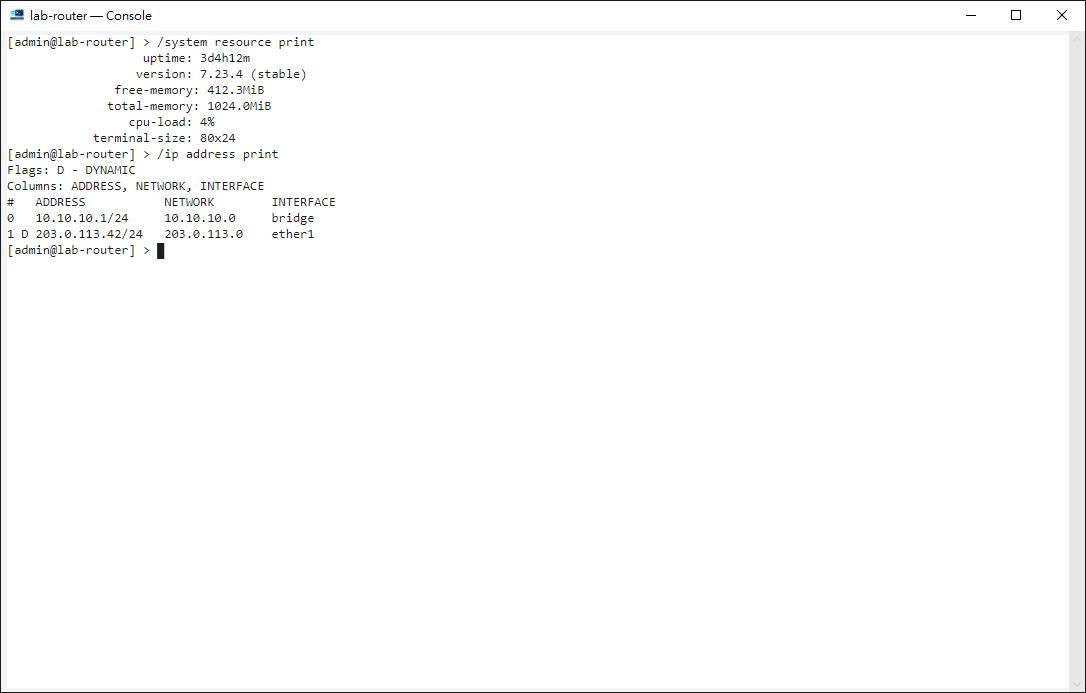
Spot it, fix it
Open a device’s command line straight from the list, the map or the monitor.
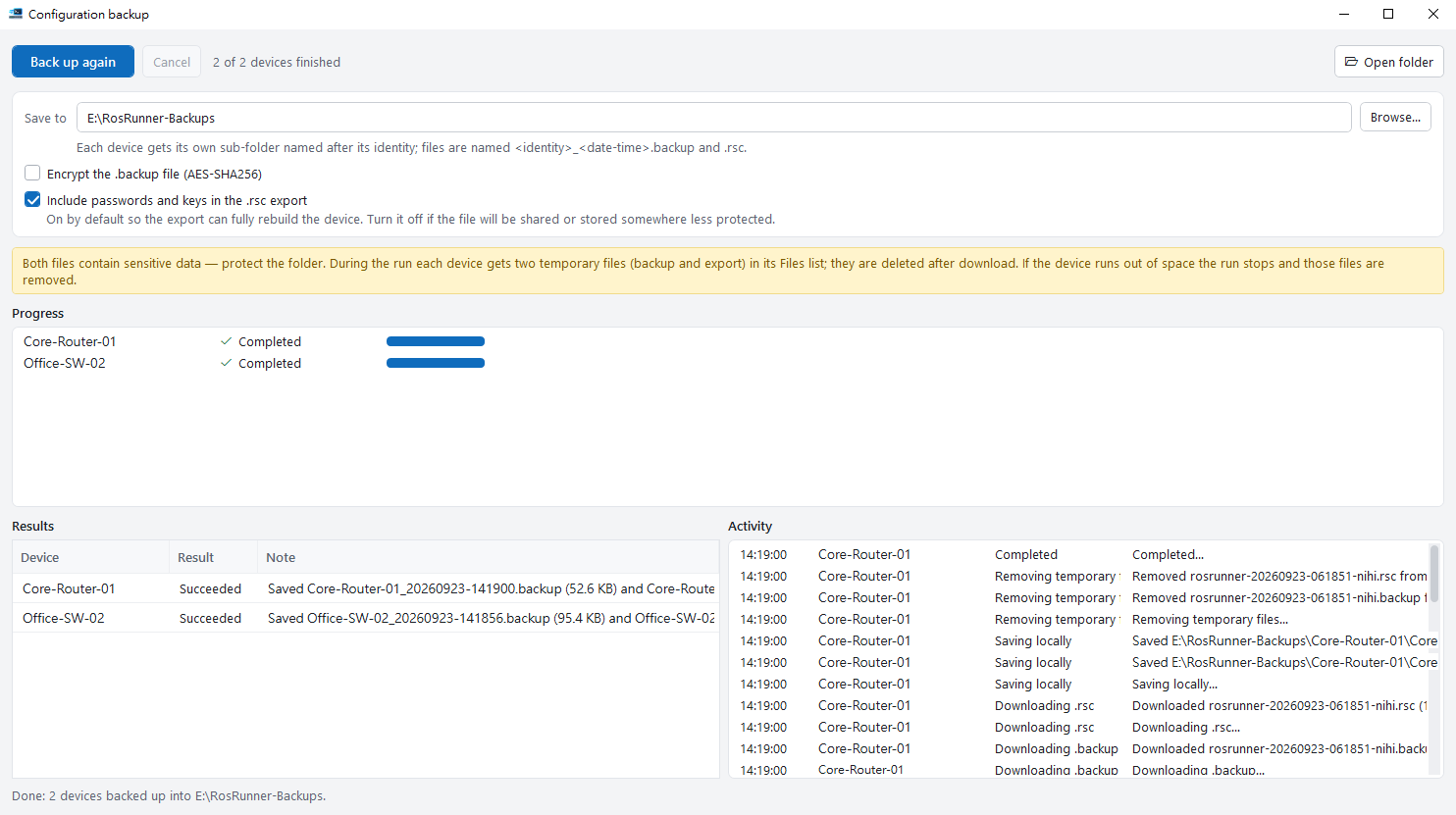
A fresh backup of every device
Select devices, press start, and the backups land neatly on your PC.
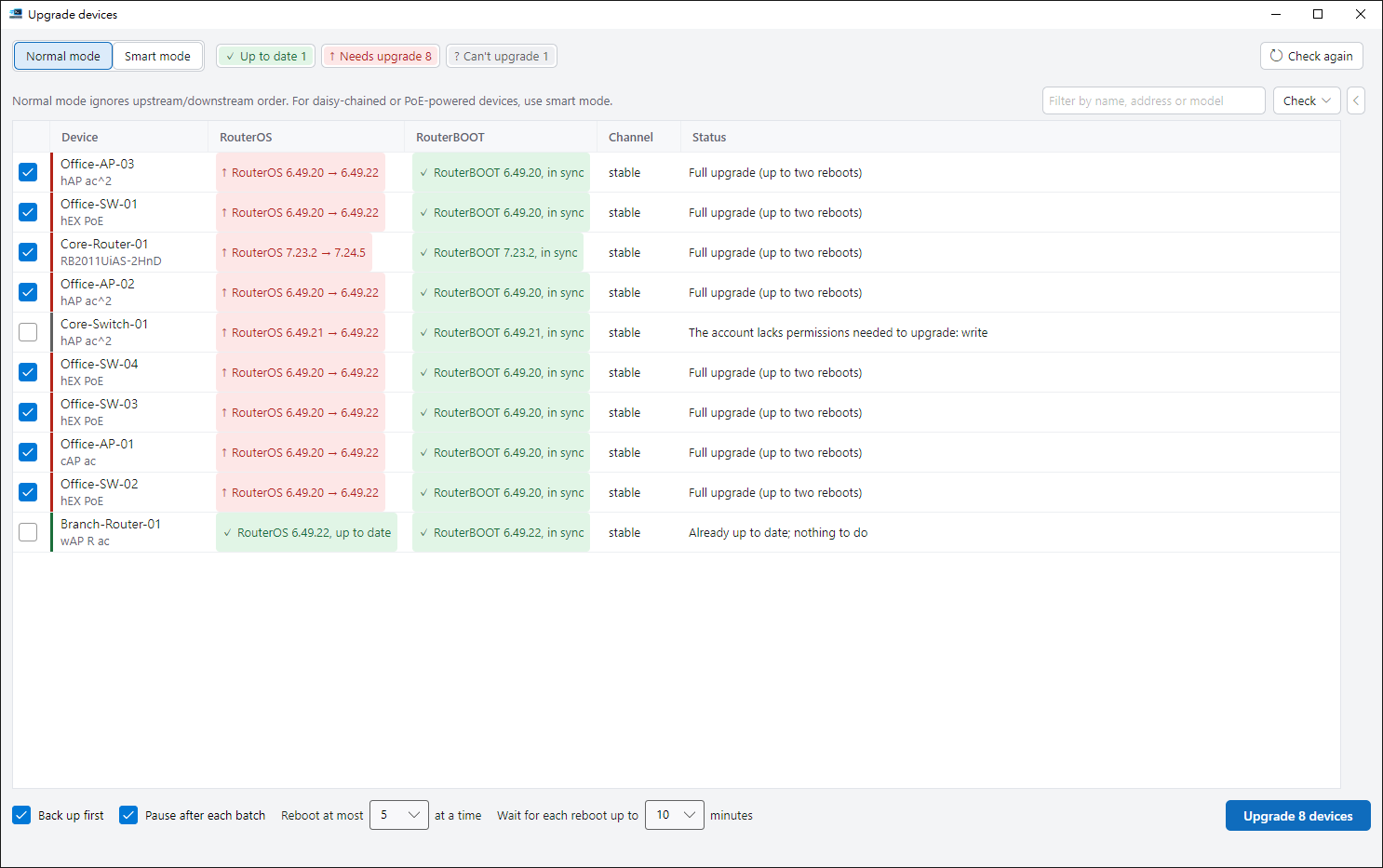
Upgrades in safe batches
Check what can be upgraded, run it in batches, and confirm the version after reboot.
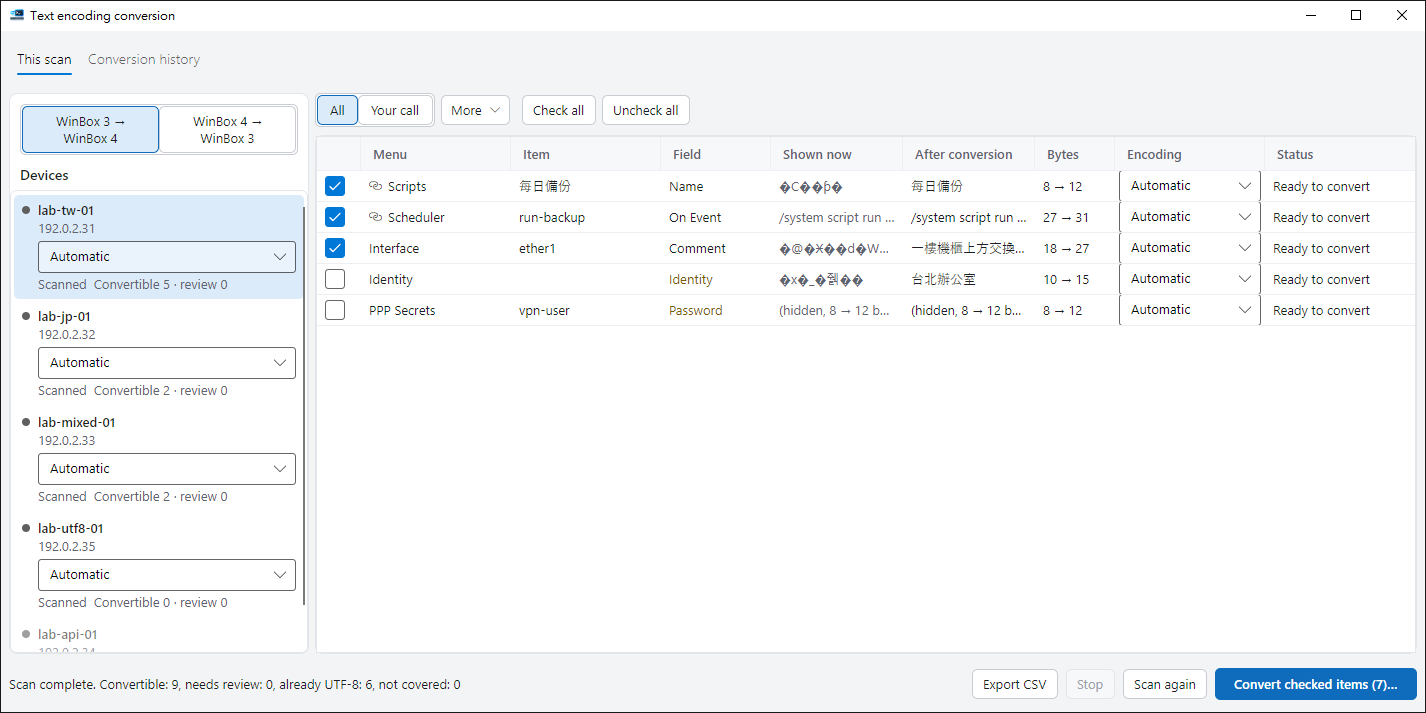
Garbled text in WinBox 4, fixed in one pass
Convert the Chinese and Japanese text that WinBox 3 saved on your devices so WinBox 4 shows it correctly.
- Scan first, then confirm. Devices are backed up before writing, and every conversion can be restored.
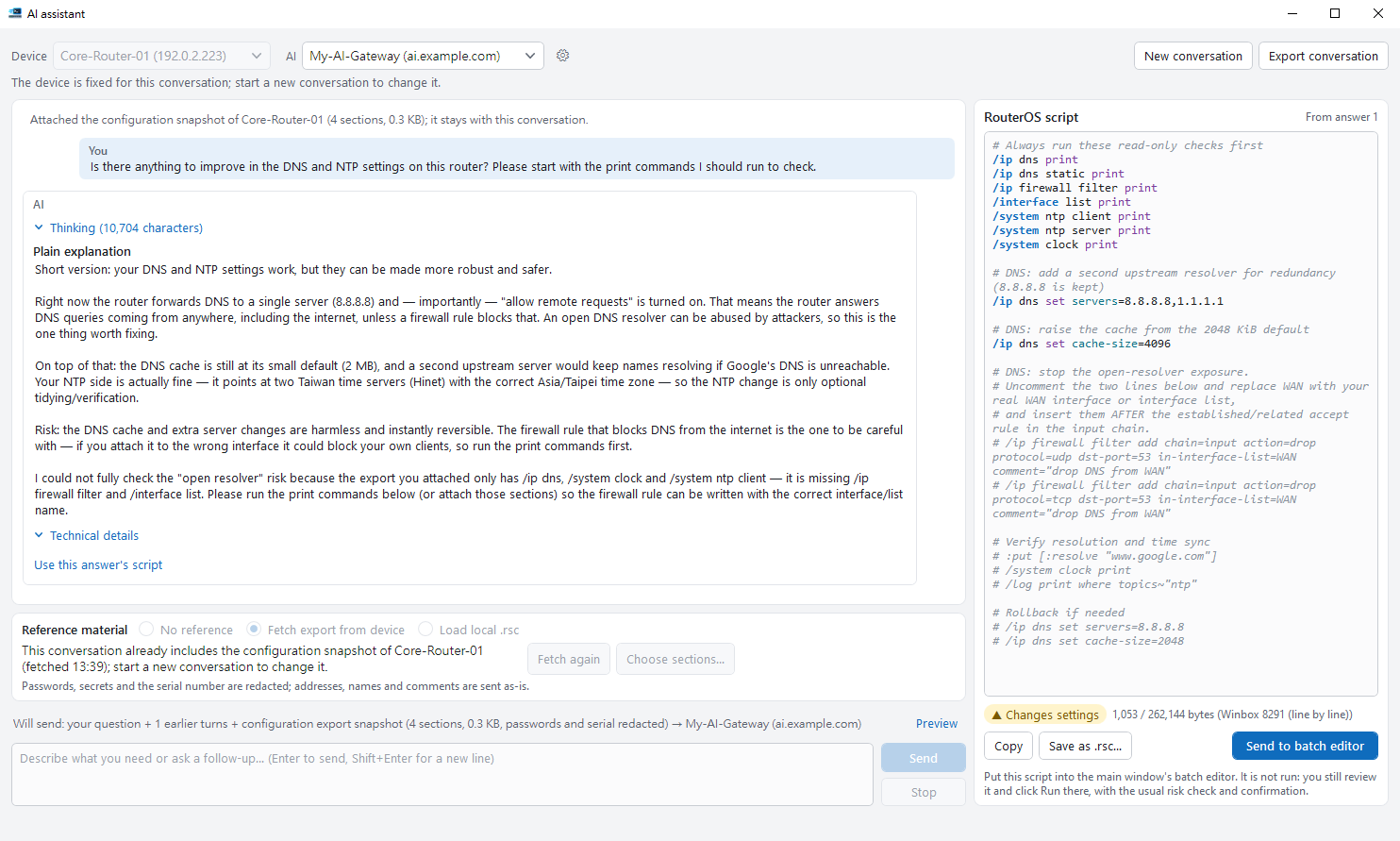
AI that knows your device
Bring in a device’s config and ask — answers and scripts fit that device.
- Uses your own AI service, and never runs anything by itself.
In your language
English, 正體中文, 日本語, Español and Português, plus a dark theme and adjustable text size.
Ready to repeat yourself less?
Browse every feature, or start with your first device.