
Getting started with RosRunner
From an empty list to your first result.

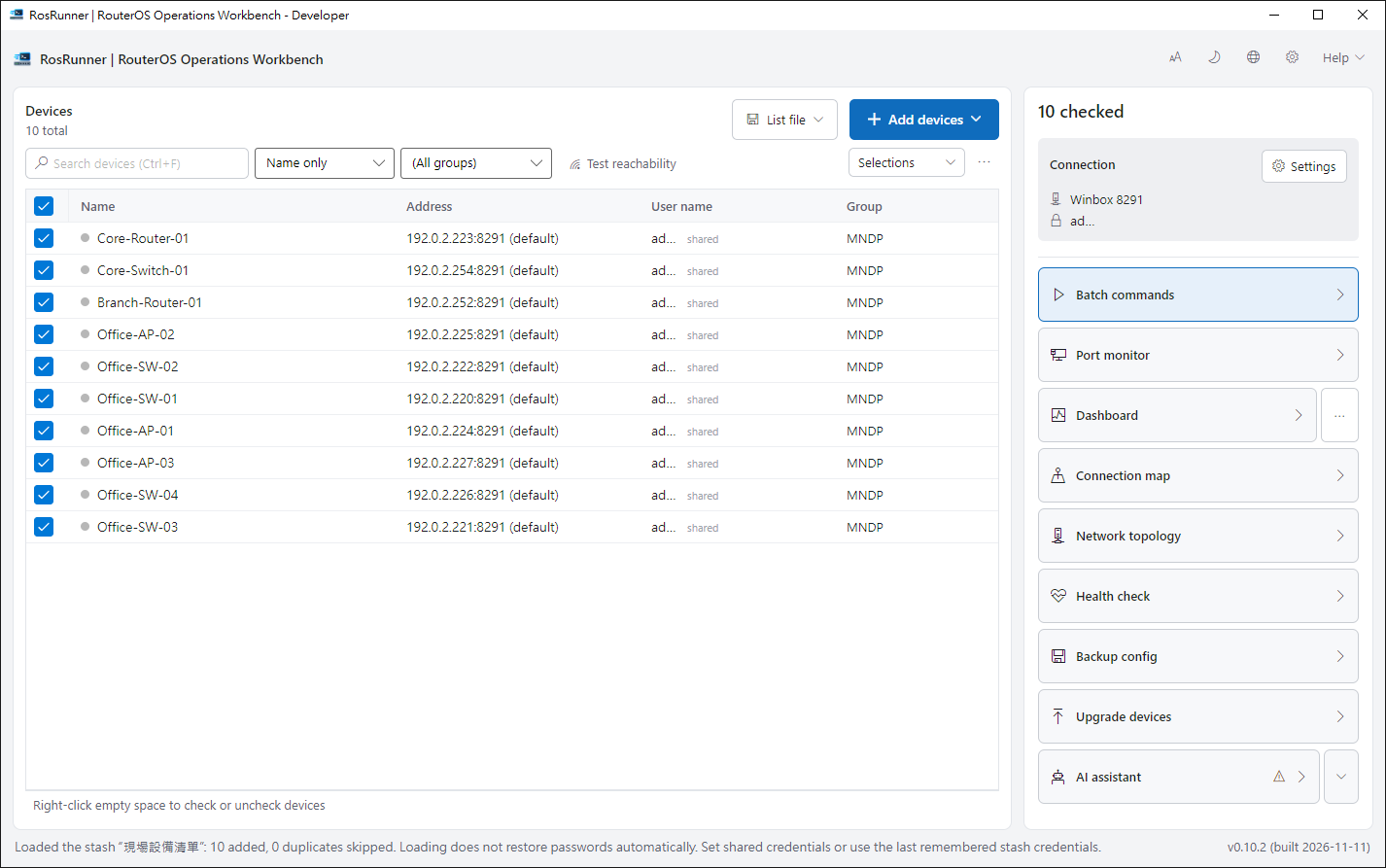
1. Add devices#
Click Add devices at the top of the device list and import from WinBox on this PC, or add one by hand.
2. Set credentials#
Enter the username and password under Connection on the right. Keep the default protocol, Winbox 8291.
3. Send a query#
Select devices, click Batch commands, enter the query below and run it. These lines only read; they change nothing.
/system identity print
/system resource print
4. Read the results#
Each device has its own row — click it to see the output. Retry only the ones that had trouble.