
How to run a health check
Read-only, advice only.

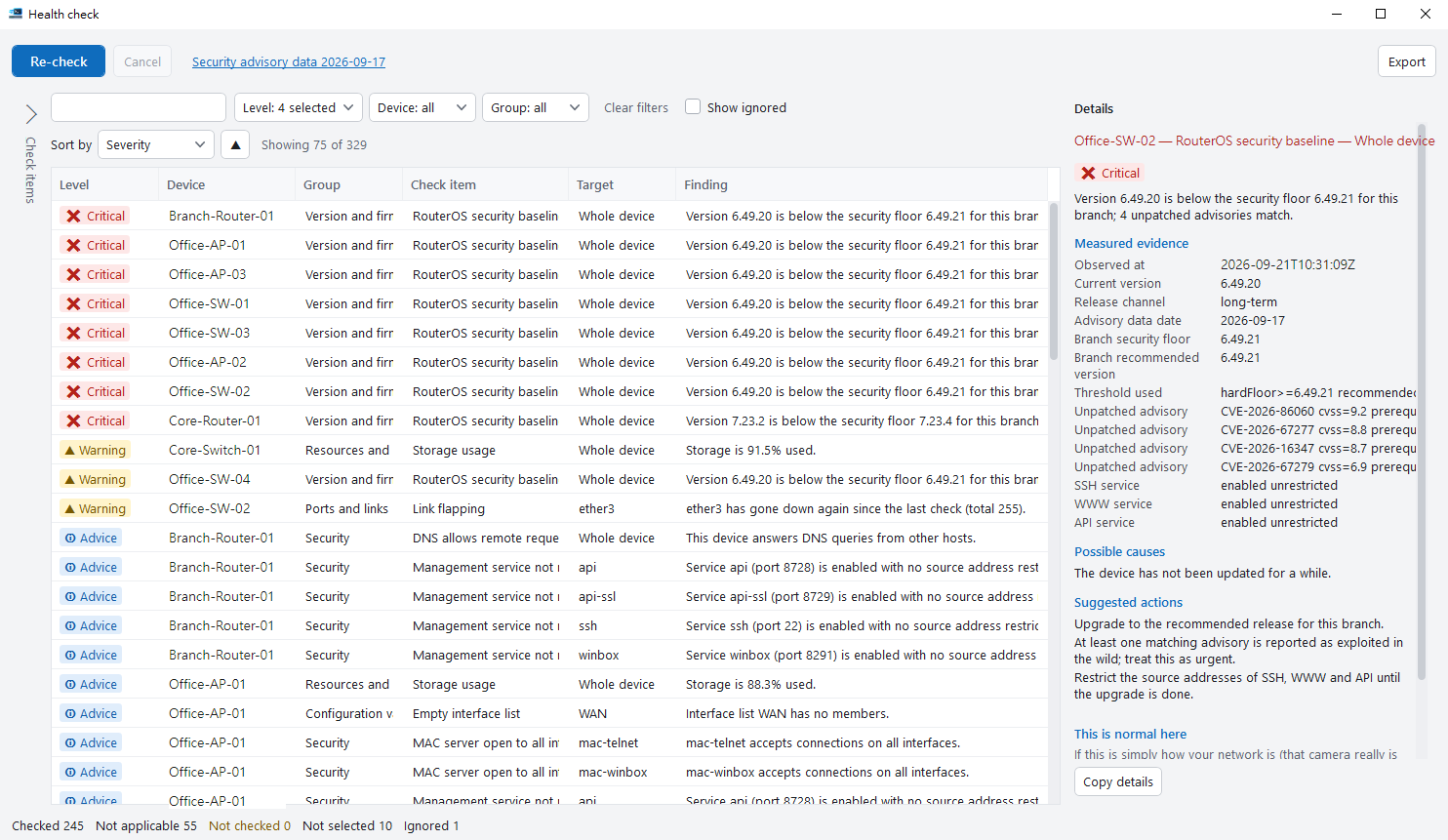
1. Choose checks#
Select devices, click Health check and choose categories. Save combinations you use often.
2. Read the results#
Each finding shows severity, the actual value and a suggestion. Items that couldn’t be read are marked separately, never counted as passed.
3. Mark and compare#
Mark findings that are intentional so they stop coming up, and compare with the previous run to see what changed.
4. Export a report#
Export HTML or CSV, optionally hiding device names and addresses.
Tips#
- Items marked as active probes make the device send packets (such as ping), and the screen reminds you before starting. Everything else only reads settings.
- Use Save items… to store your checked items in a file, and Load items… to reuse them on another PC.