
How to use the console
No need to open WinBox.
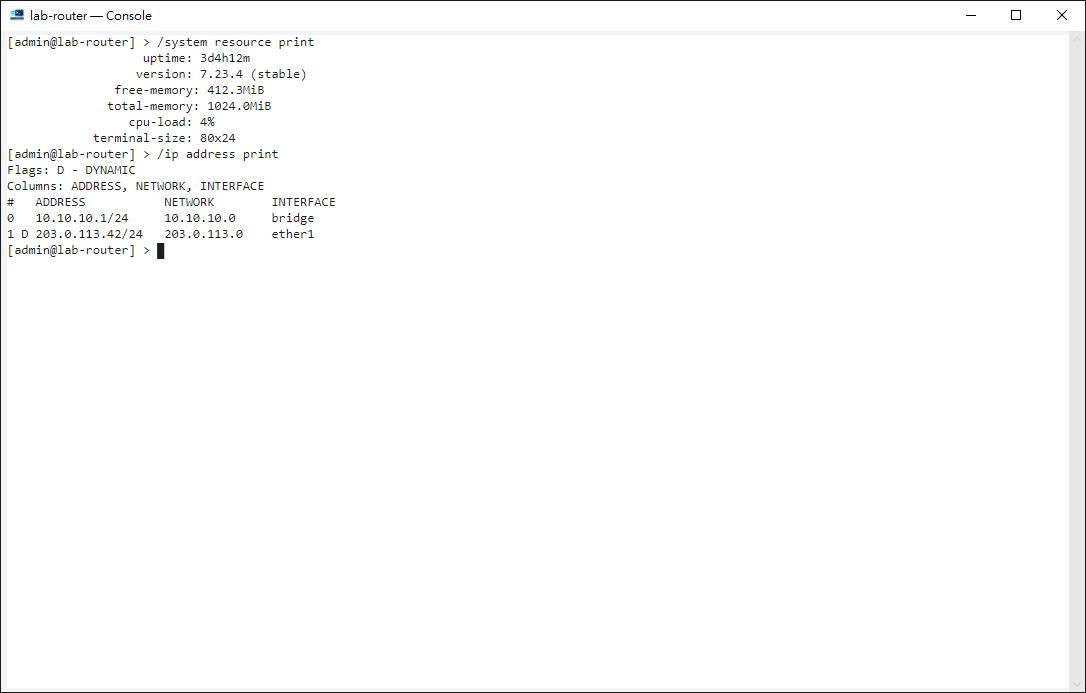
Open it#
Right-click a device on the home screen, topology, port monitor or upgrade window and choose Open console. It needs the WinBox protocol (8291); each device gets one window.
Using it#
RouterOS features such as Tab completion and arrow-key history work as usual. Ctrl+Insert copies and Shift+Insert pastes; multi-line pastes ask first.
Privacy#
Screen content lives only in memory and is gone when you close the window.
Tips#
- Double-click selects a word; triple-click selects a whole line.
- Right-click to copy (Ctrl+Insert), paste (Shift+Insert), select all or clear the scrollback.
- Closing the window while in Safe Mode shows a warning first: closing rolls back the changes made in Safe Mode.