
Troubleshooting
Common situations and what to do.

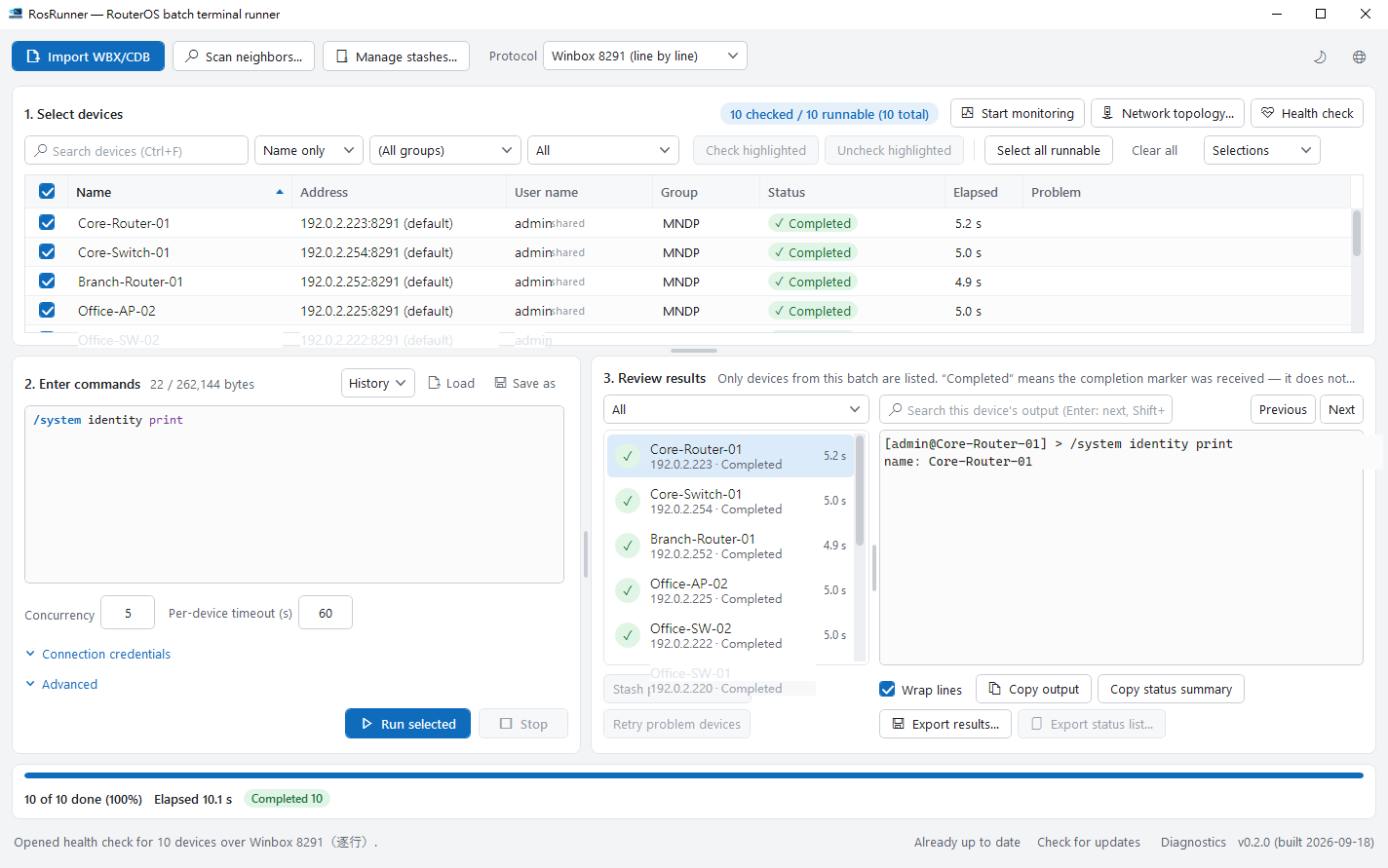
A device won’t connect#
Run Test reachability first. Red means no response — check the network and address. Amber means the host answers but the management port doesn’t — check the device’s services and firewall.
Login fails#
Check the username, password and which credentials are being used, then try logging in to the same device with WinBox.
A button is greyed out#
Port monitor, backup, upgrade, console and connection map need the WinBox protocol (8291). Switch the protocol back to Winbox 8291 on the home screen.
Result is uncertain#
The connection dropped after sending, so the device may or may not have run it. Check the device first, then decide whether to retry, so a change isn’t applied twice.
Still stuck?#
Use the diagnostics window to gather a report on your PC (it never sends anything itself) and email it with a description to [email protected]. Please don’t include passwords or backup files.