
Use cases
Where RosRunner fits
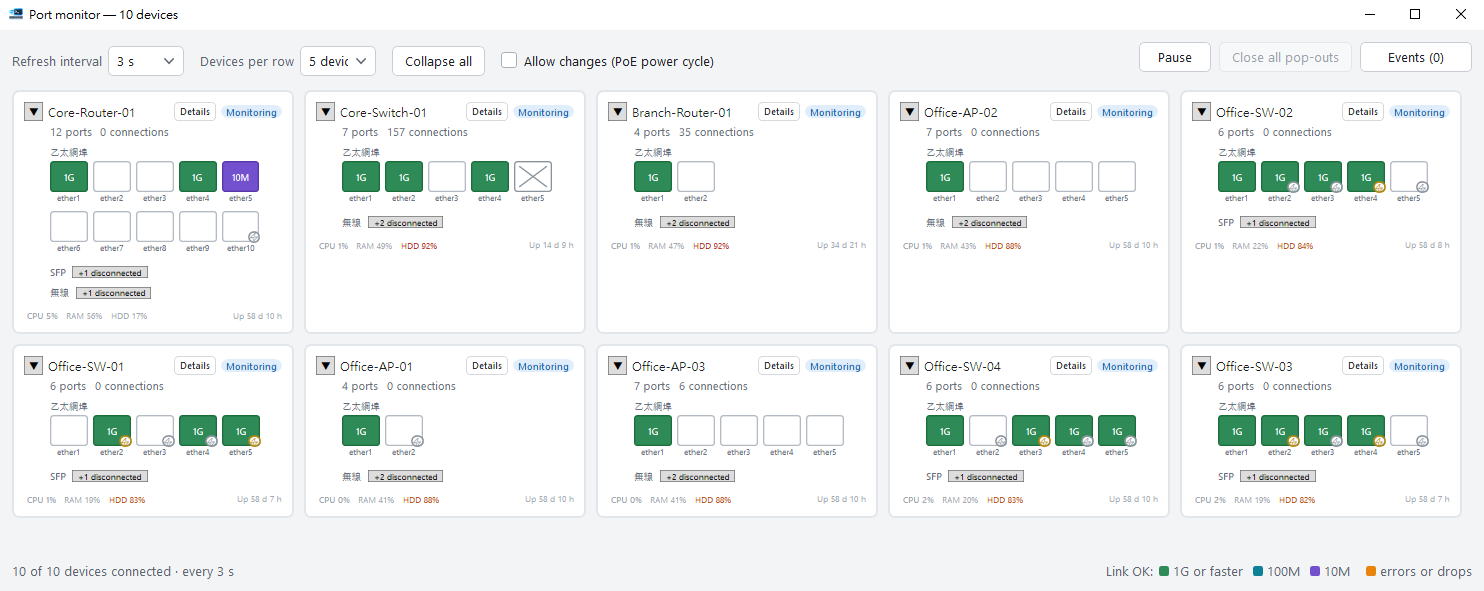
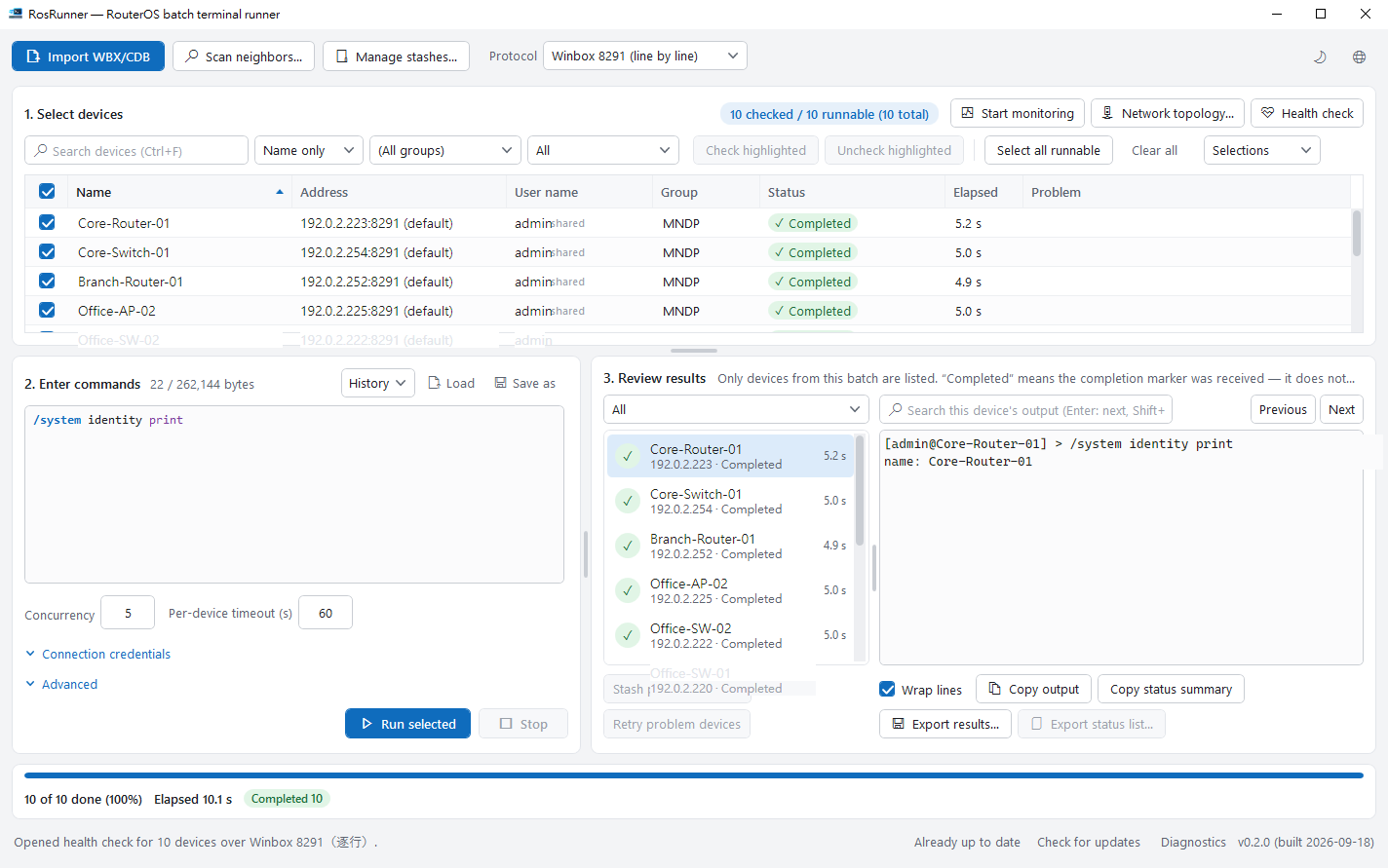
Whether the estate is one device or a hundred, the workflow is the same: select, execute, review. What changes is how much of the setup is worth retaining between sessions.
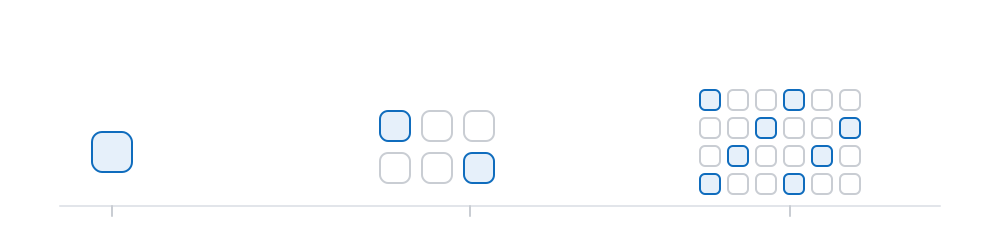
A single router
There is no minimum estate size before RosRunner earns its place. With one device, the value is the working environment: commands are retained, the port view updates itself, and a full audit identifies where to look first.
- Commands remain in the history and can be saved to a file for reuse.
- While replacing a cable or adjusting a setting, the view refreshes on a timer rather than requiring a query command to be re-issued.
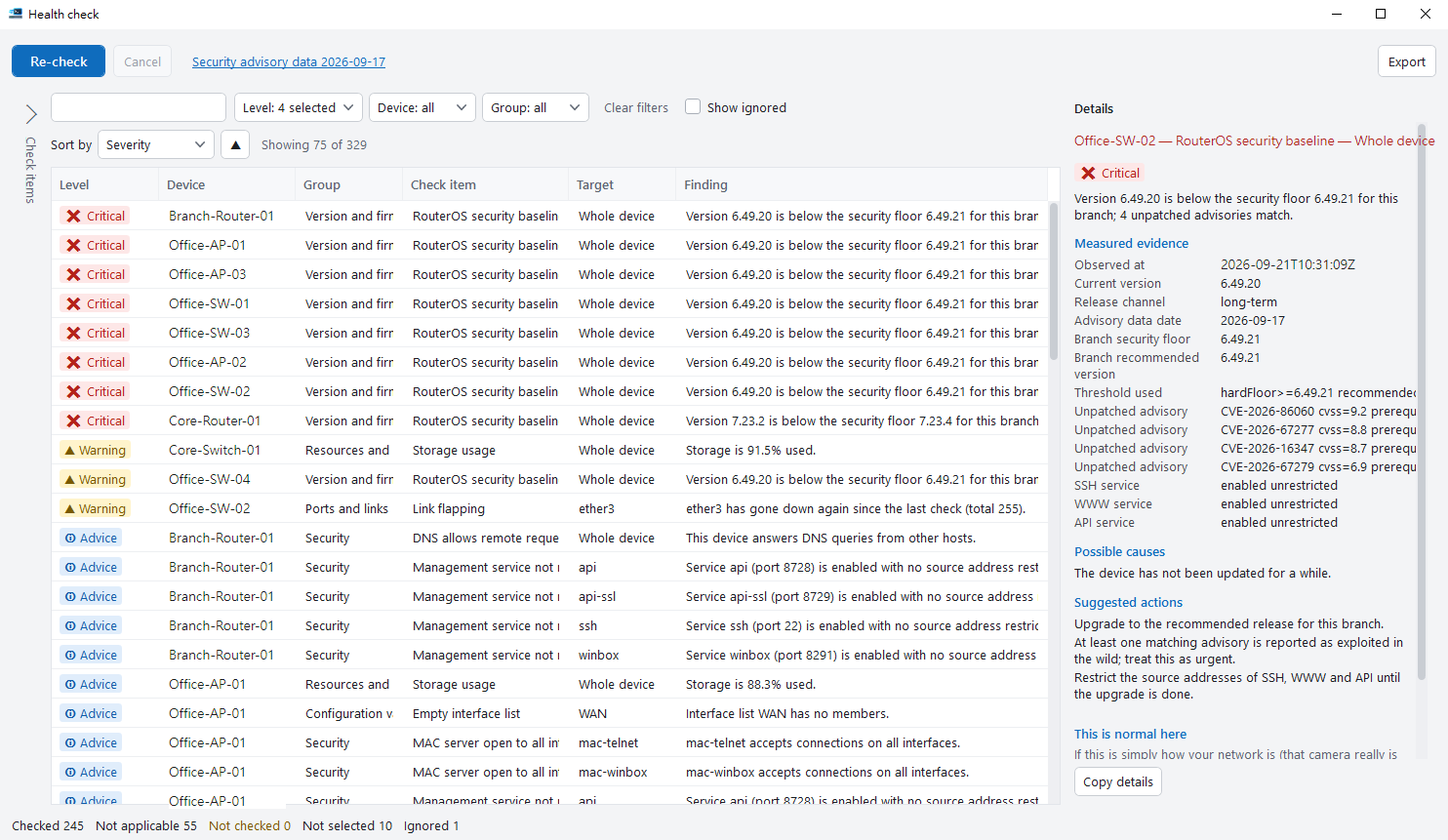
- Run an audit before the work and again afterwards, then compare the two — regressions surface on their own.
A small estate of three to ten
At this size the constraint is not difficulty but repetition: the same task performed several times over, with no reliable record of which devices have already been completed.
- The address list you maintain in WinBox imports once and persists, rather than being re-entered each session.
- Devices you work with together can be saved under a name — branch equipment, devices still on an older firmware — and recalled when needed.
- A single audit covers the whole set, but the outcome is read device by device rather than as an aggregate pass or fail.
- Devices that ran into trouble are retained as a group and can be handled as a smaller second pass.
Equipment distributed across sites
Here the difficulty is not dispatching the commands. It is being able to state afterwards which devices completed — and to evidence that statement to someone else.
- Group and filter by location, then select only the devices in scope for this round.
- Concurrency and per-device timeout are yours to set; above the recommended figure of twenty the application advises you.
- Audit results export to HTML or CSV for handover, with the option to replace device identifiers.
- A network map can be captured across multiple devices and exported as a file — the documentation update that otherwise never happens.

What RosRunner is not
It is not a network monitoring system. It does not poll in the background, raise alerts, or retain long-term history. Monitoring runs while the window is open and stops when it is closed. Where unattended alerting is the requirement, a monitoring platform is the correct tool.
It is not a backup or configuration management product. It executes the commands you supply and reports what was returned. It does not maintain a desired state, retain configuration versions, or provide a rollback operation.
It does not replace WinBox for configuring an individual device. RosRunner is an independent product and is not affiliated with MikroTik.
Start where your work is
The feature pages cover each capability and its limits; the documentation walks through a complete run from the beginning.