
Feature
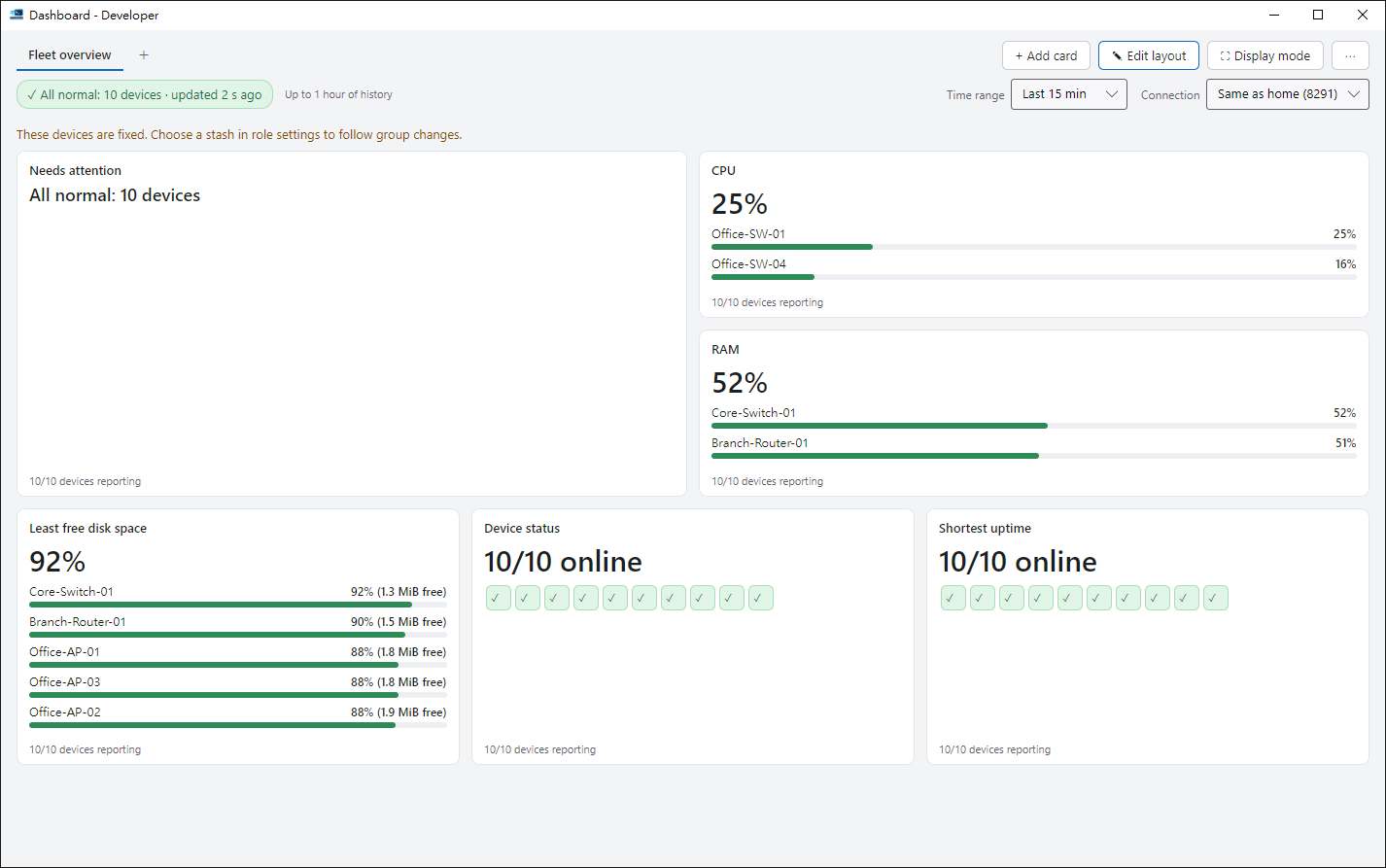
One board for the whole fleet
Made for the wall screen you look at all day.
Cards laid out your way
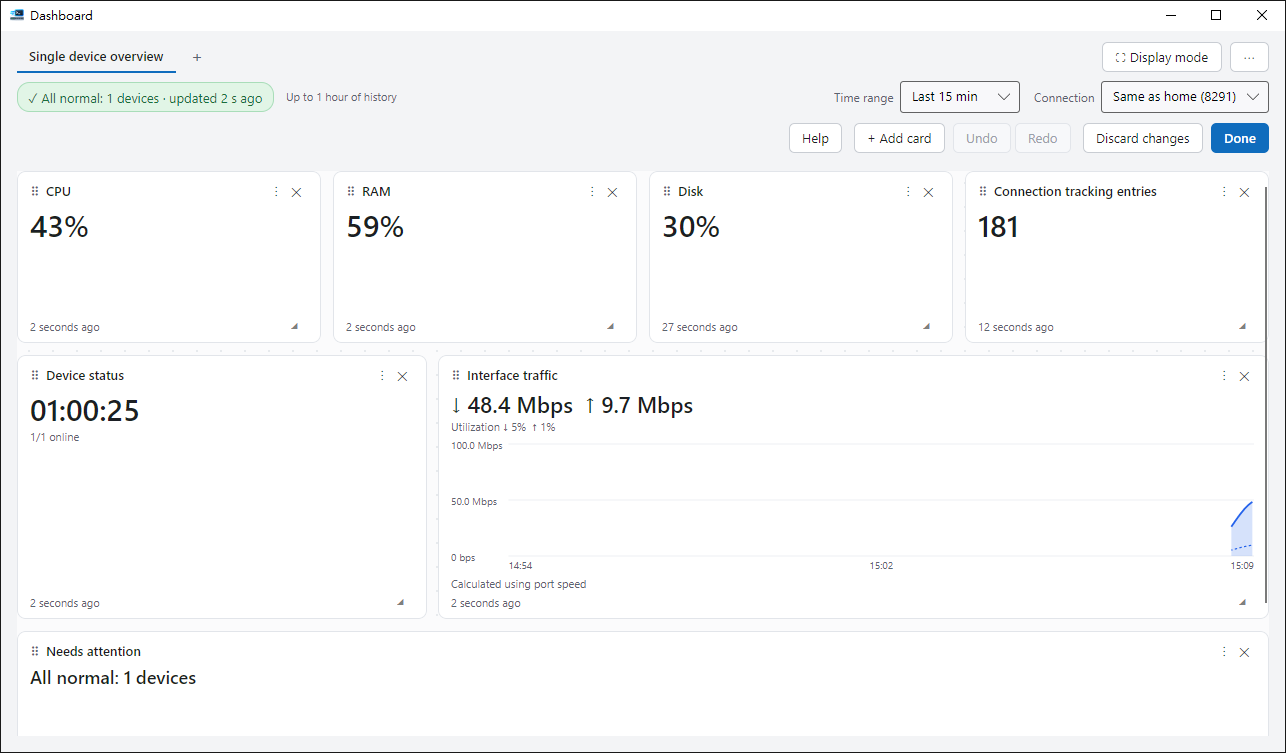
Drag to arrange and resize — or start from a template.
Calm alerts
A single spike won’t turn the whole board red.
Full-screen rotation
Cycle through several boards.
Read-only
The board never changes a device.
Change the layout, undo any time
While editing you can undo and redo, and nudge cards with the arrow keys.
- Double-click a board tab to rename it.
- Press F11 for presentation mode. Rest the mouse at the top of the screen for two seconds to bring back the toolbar.
Ready to try it?
The guide walks you through your first run.