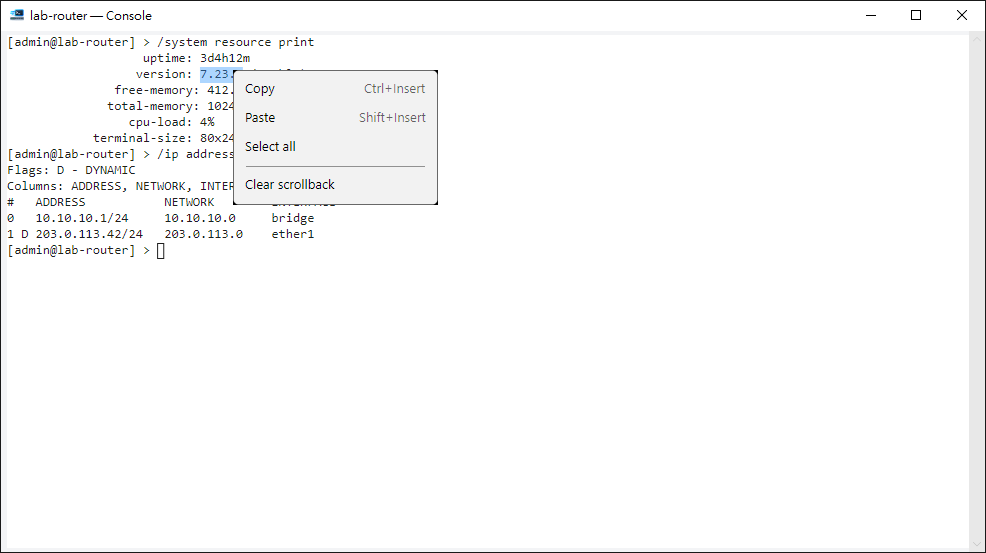
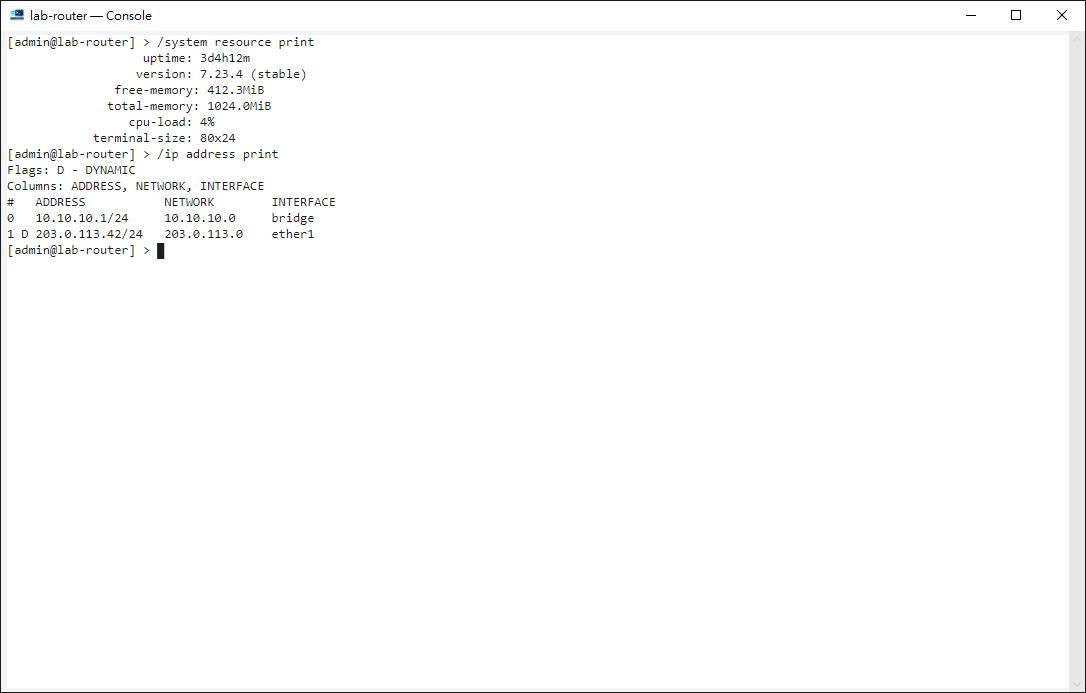
The command line you know
Tab completion and history work as usual, one window per device.
Open from anywhere
From the list, topology, monitor or upgrade window.
Confirms multi-line pastes
So you never send a big block by accident.
Nothing left behind
Screen content lives in memory and is gone when you close.
Select and copy like any terminal
Double-click selects a word and triple-click a whole line. Right-click to copy, paste or clear the scrollback.
- If you close the window while in Safe Mode, it warns you first that the changes will be rolled back.