
Feature
Keep your regular devices ready
Import a WinBox list, discover neighbors and save frequent selections as named groups. One list connects batch commands, monitoring and checks with less repeated preparation.
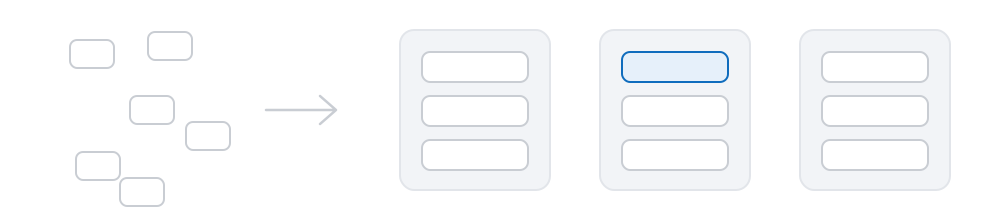
Three routes in, one list
Import what you already maintain, discover what is present on the network, or recall a group saved previously. All three populate the same list, and every capability operates from it.
- Import a WinBox address list — the
.wbxor.cdbfile you already maintain. Whether stored passwords are imported alongside is your decision at import time. - Discover devices directly — MikroTik devices on the same network segment respond for themselves, so their addresses need not be known in advance.
- Recall a saved group — selected devices can be saved under a name and restored in a single action.
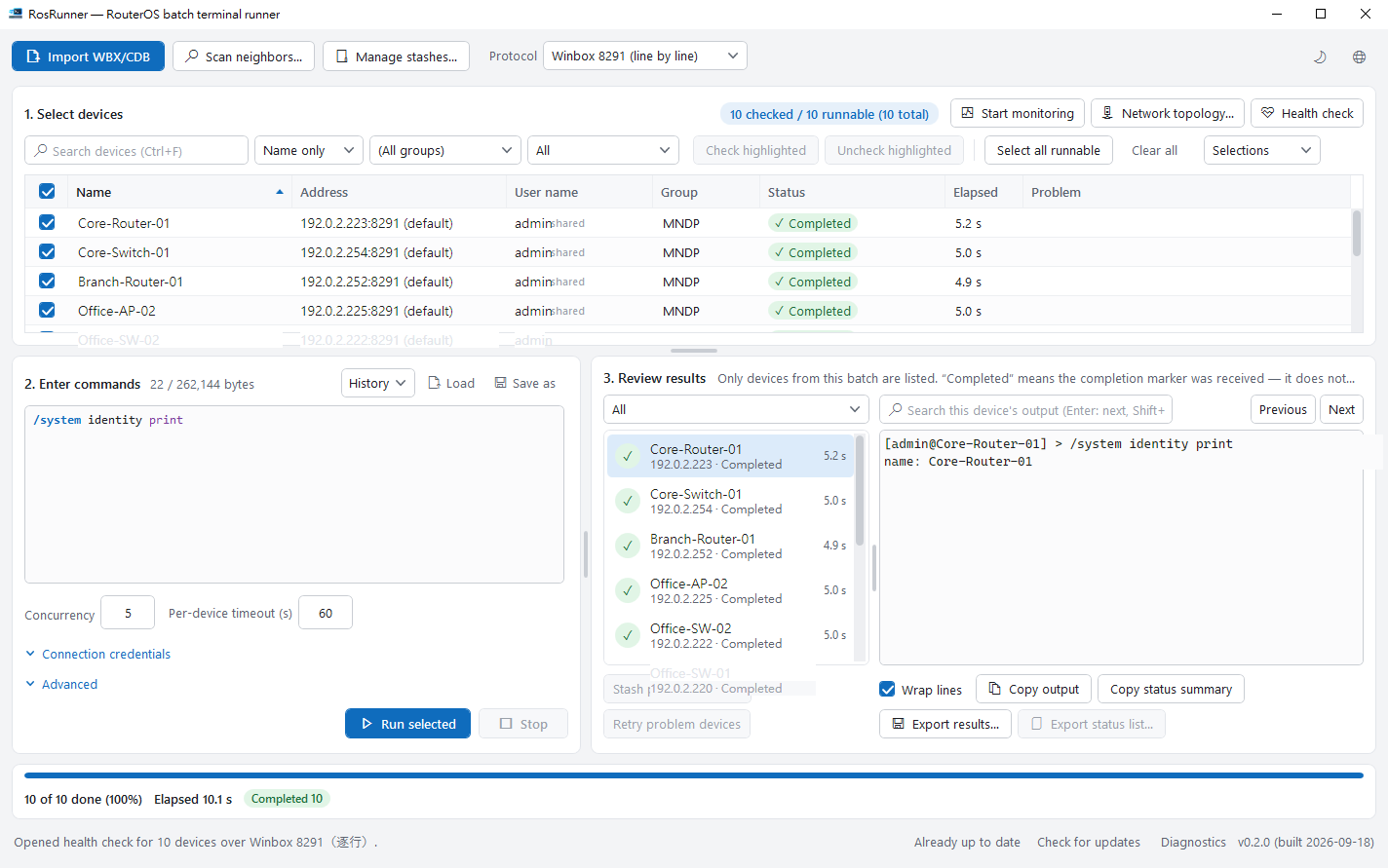
Saved groups contain devices, not session history
A set of devices can be saved under a name that reflects how you work — branch equipment, devices that failed overnight, a pre-maintenance checklist. Saved groups persist across restarts, so a selection only needs to be assembled once.
A saved group contains device entries only. The commands issued are not stored in it, and neither is the output returned. Where results need to be retained, export them explicitly.
After a run, a single action collects every device that encountered a problem into a saved group — typically how a smaller second pass is assembled.

Credential handling
Credentials saved as a profile are held in the Windows Credential Manager — the operating system’s own credential store — rather than in a proprietary file format. A password entered during a session remains in memory for the lifetime of the application.
A saved profile is not applied automatically to newly added devices; when it is used remains your decision. Password fields are masked at a fixed length, so the mask does not disclose the length of the password.
Next: putting the list to work
Once devices are in the list, running commands is usually the first capability applied.